
Halloween comes early in 2026 when you travel back to 1978 and relive the origin story of Michael Myers in Halloween: The Game. When we say relive it, we truly do mean it. In this new game from IllFonic, you can take control of Michael or play as a civilian in Haddonfield looking to escape his murderous gaze.
Earlier this year we were lucky enough to talk with Design Director Jordan Mathewson about how they approached Halloween: The Game. Now, we were able to explore all it had to offer and there is plenty to stalk… I mean see in this adaptation.
From Film to Console (and PC of course)
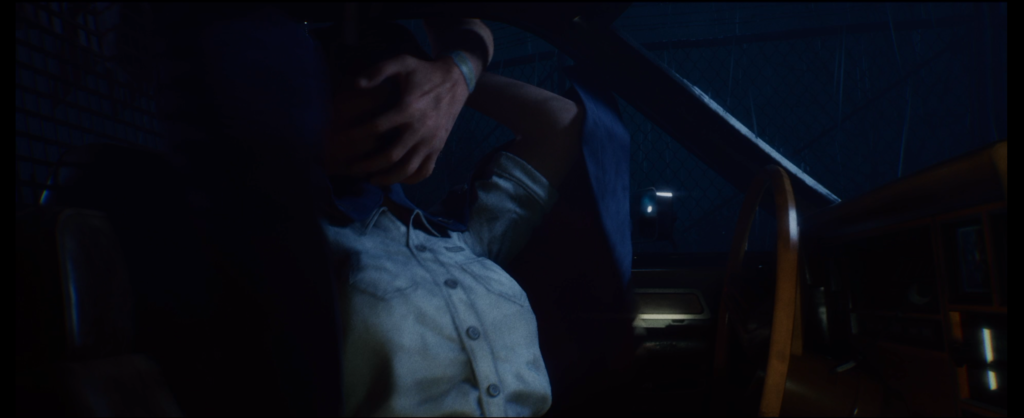
For those who have watched the original movie multiple times, you’ll be happy to see so many shots and scenes in an almost one for one remake. This even includes the lines said by Judith before her untimely passing. While you won’t see the scenes in the same order if you’re playing through the single player campaign, you will see the opening to the original Halloween and be part of the action. Yes, that even includes donning the clown mask and coming across your sister at her vanity mirror. Only difference? This might be a bit bloodier than the original movie.
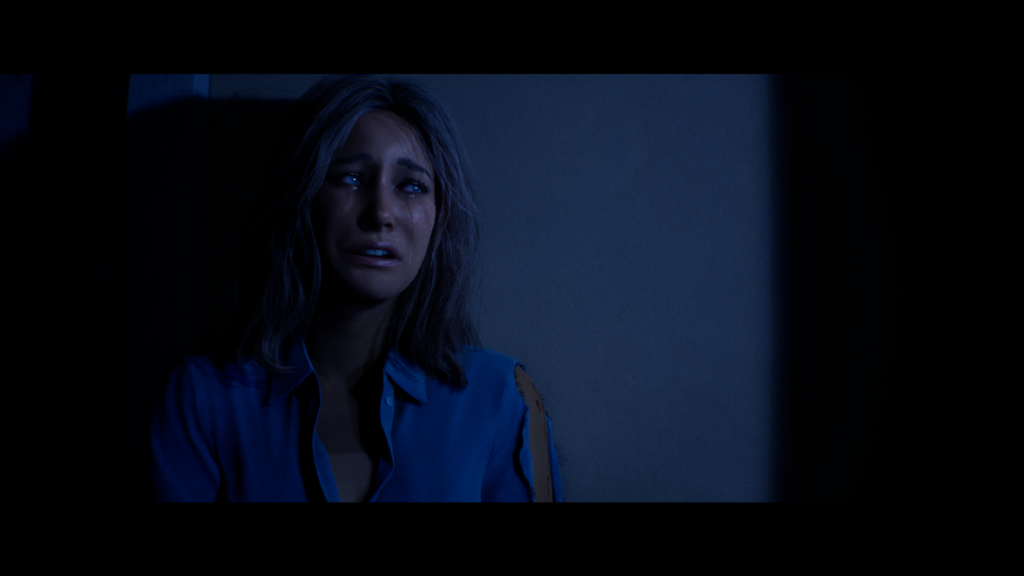

This isn’t the only scene that stays true to the film. In fact, even Michael’s escape as he takes on Nurse Chambers is shot for shot the same with Dr. Loomis stating the same lines as he does in the film. It’s great to see that such care and consideration was given when recreating scenes that would make Michael an iconic horror star.

Single Player
So you want to relive some of the iconic movie moments huh? You’ll do that in the single player mode where you take control of Michael. You’ll play the events of “The Night He Came Home” as you escape the sanitarium and return home. The single player mode is also great for those who want to learn and excel at playing Michael in the multiplayer mode. Playing through the prologue and five chapters, players learn more of Michael’s abilities and how to best use them.
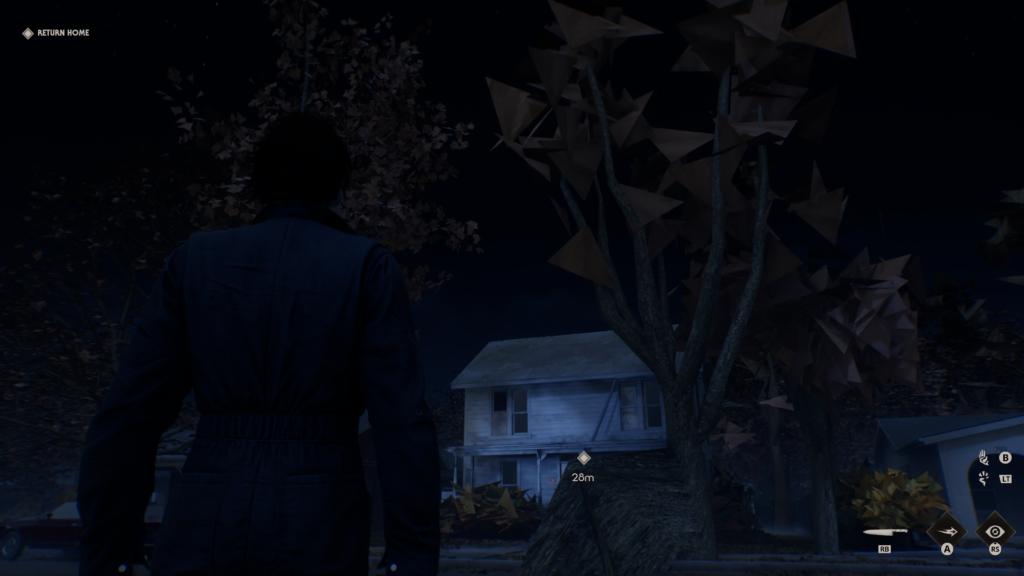
For those who have seen the original Halloween movie, playing this night may feel like it fills in some of the gaps from Michael’s perspective. You’ll visit the hardware store where he finds the mask. You’ll wander the familiar streets while stalking your victims. It’s all quite enticing. But what the single player component does very well is get into the mindset and kill set of the shape. While it truly is meant to get you ready to stalk your prey in multiplayer, it’s quite an enjoyable part of the entire package in its own right.
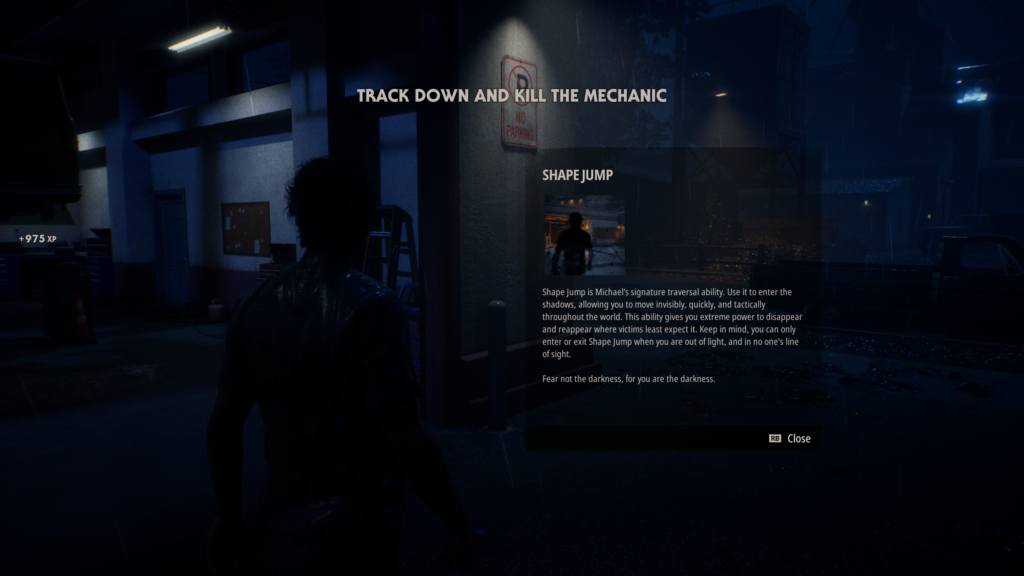
There were a few things I really enjoyed that Illfonic took care of in this single player campaign. Before donning the mask, we never get a good look at Michael. We continue the mystery of what Michael looks like as an adult. The camera angles are done in such a way that you never get a clear look at his face. When the camera can’t obscure his face, there’s just enough blur to keep him a bit of a mystery. I found this to be an enjoyable note to never let people see who is really underneath the mask. Yes, I know there is a moment in the film where you can see his face. However, for the game, it’s a nice touch to not see the true face of evil.
The single player component also comes with many challenges for players to enjoy, which also unlock different cosmetics for the characters. This adds to the replayability of the single player campaign. There are some challenges that you can complete in one go, but in order to complete all of them on certain chapters you will need to replay them quite a few times.
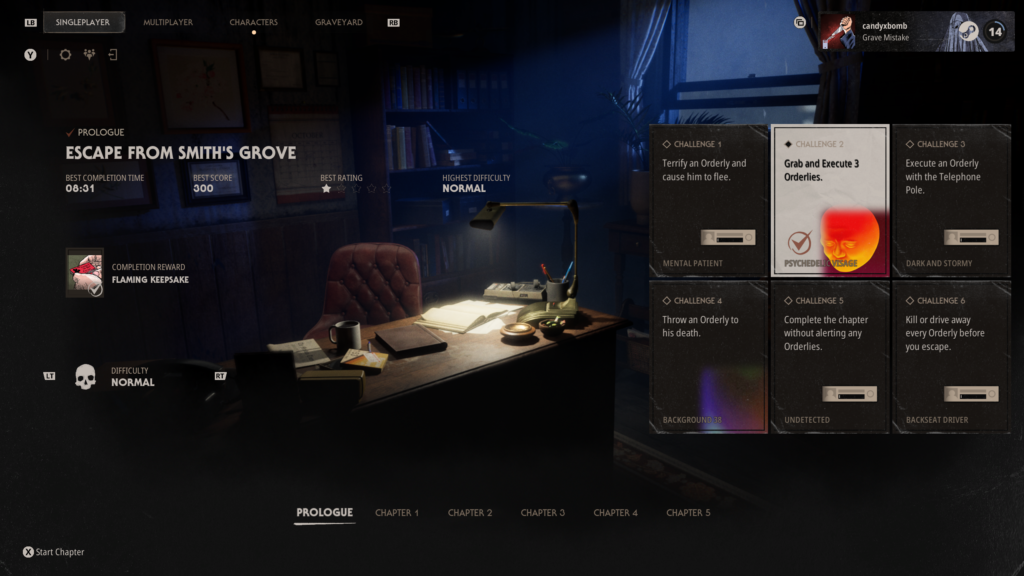
Even if you aren’t typically someone who chases achievements, playing the chapters more than once won’t feel like a burden. In addition to the practice you’ll get, the chapters are typically not very long. Again, the single player is really a tutorial but it’s also a fun experience in its own right. As someone who sometimes isn’t a fan of tutorials, this was one to revisit multiple times.
In Multiplayer, Death Isn’t the End
Then, of course, there is the multiplayer aspect of Halloween: It’s Michael against the hopeful heroes in town. This is where most people will spend the majority of their time. But this isn’t just a true 1v4. As civilians, you also have the opportunity to get other residents to safety, to follow you, or to help you. When working with the residents, you can have them call the police for backup, provide them with weapons, or just have them hide until you crack open an escape.
There were some bits I really loved about multiplayer and some bits that felt a bit weak. Some were very dependent on who you were playing with. Each match is 20 minutes long which in some ways doesn’t sound too long. There’s a timer at the top of the screen letting you know how long you have left. Sometimes, this feels awful. It really depends on how early your initial character dies and how many mini games you end up playing through. While the mini games are simple, made of glorified skill checks, they can very quickly get a bit repetitive. In some matches, we felt pretty evenly matched, in others, as a civilian against a Michael who clearly knew the maps and spots very well, it felt like an absolute slaughter and not in a fun way.
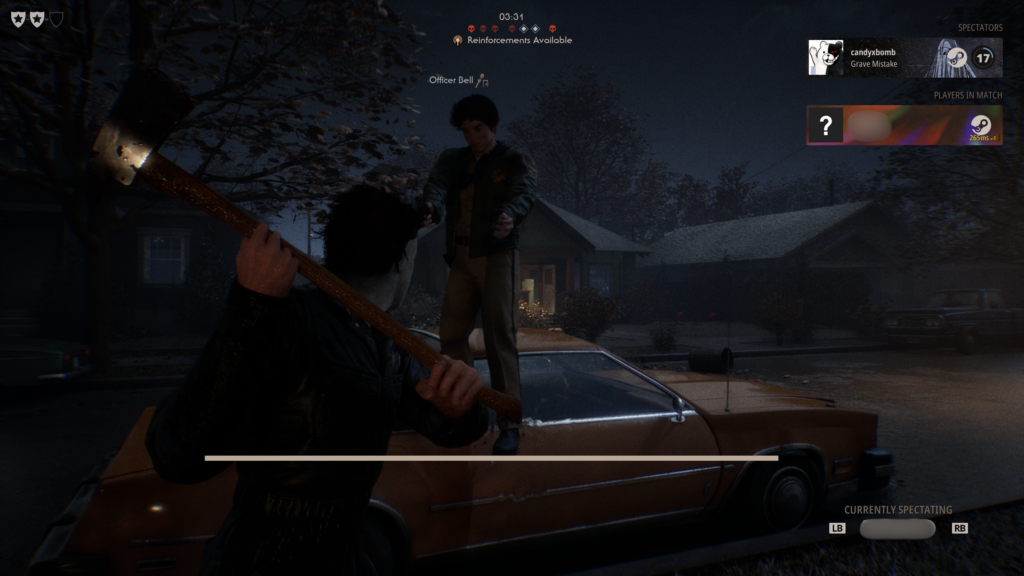
However just because you die, doesn’t mean the game is over for you. You can get the opportunity to return to the game as a police officer or as Dr. Loomis. But this doesn’t happen right away, so you could be playing minigames for half the match waiting for a chance to return. It also doesn’t appear to be a guarantee that you will return to the match. The game will also tell you if backup is available.
Fight Back with the Townsfolk
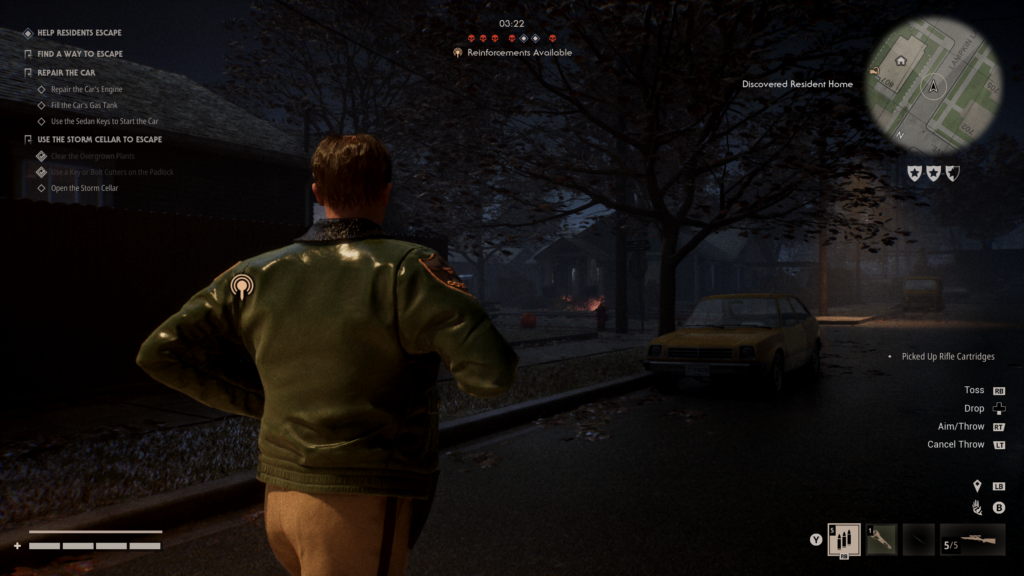
What is fun about being one of the civilians is the opportunity to fight back. It isn’t just about escaping and saving your own life. You can run around the town looking for ways to escape and ways to fight back against Michael. Of course, he isn’t someone that you can kill, but you can knock him down just long enough to get away. You aren’t the helpless victim he may think you are. This is where multiplayer shines.
As the civilians you can drink beer or smoke a joint which come with their own helpful perks. You can throw a brick or grab a baseball back to smack at Michael when he comes around. You also find your tools to escape such as bolt cutters to unlock the escape doors, or a repair kit, can of gas, and set of keys to drive away from Haddonfield. Ganging up on Michael, shooting from a distance, all of this added to the fun. Helpless survivor feels so passé these days.
Of course it isn’t all fun and games. It does mean that sometimes you’re exposed while repairing a car or right in Michael’s range. This is where teamwork becomes so important. Thankfully, the game does have in-game chat. However, while reviewing this on PC it became clear that the push to talk keybinding was missing. This made it infinitely harder to work together. While some may be fine with keeping their audio always open, those who would prefer not to may opt to have no audio at all.
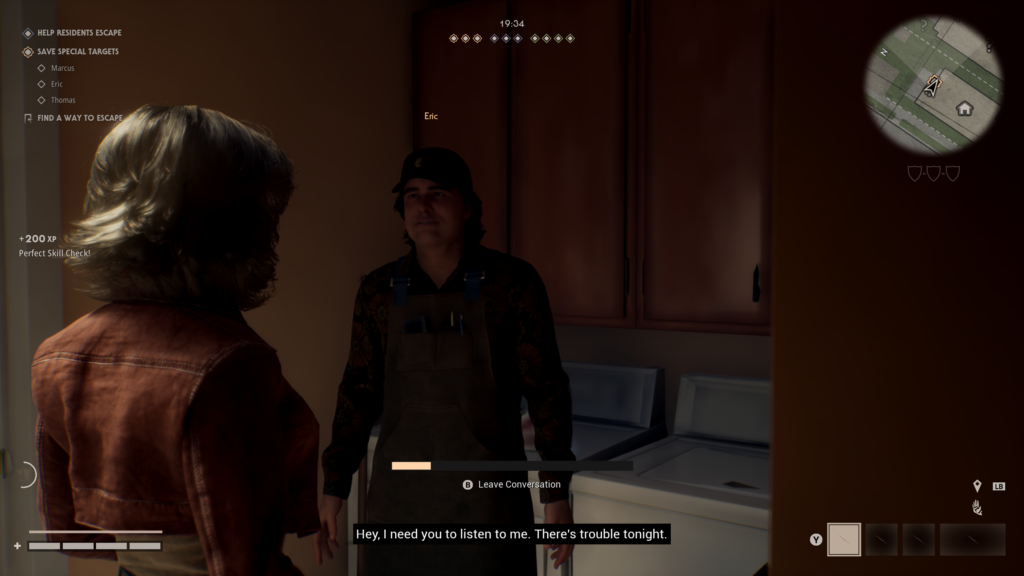
One area of improvement would be the ability to change your loadouts while in the lobby. When you make it into a match, you’re locked into whatever abilities you brought in with your character. This feels like something that you should be able to switch up while waiting to ready up. Especially if you’re playing with the same people over and over and want to try different abilities.
Customization and Not Just Cosmetics
There is a lot of customization that takes place in Halloween: The Game. Some of it is purely cosmetic, whereas much of it will be the abilities, bonuses, and starting items characters will begin with in multiplayer.
For the civilians, each character has stats that they come preloaded with and traits that may be beneficial to how you build your character’s loadout. Thankfully, you can see what their traits are and how they impact gameplay in their civilian screen. You can also get to learn a little bit about them in a short but sweet backstory. What’s very cool in the customization is the starting item and the deck of cards. The cosmetics are fine too but they don’t impact gameplay, they again, just look nice and may remind you of scenes from the film depending on the character.
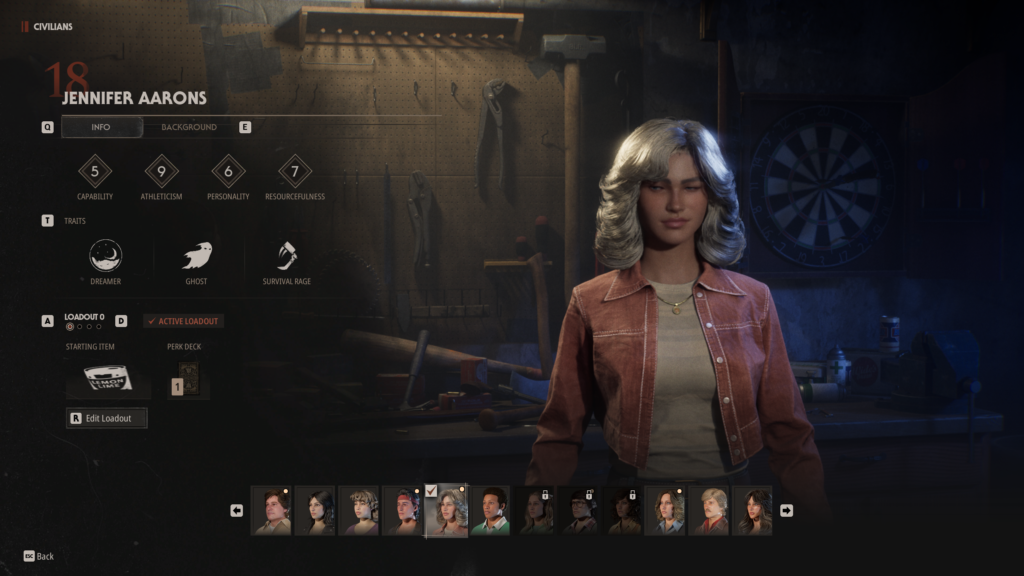
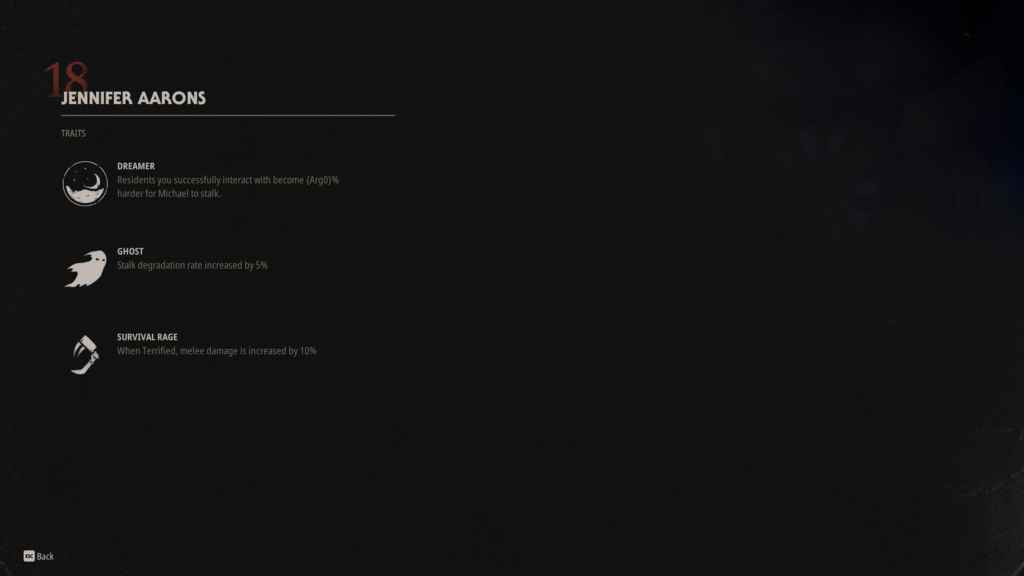
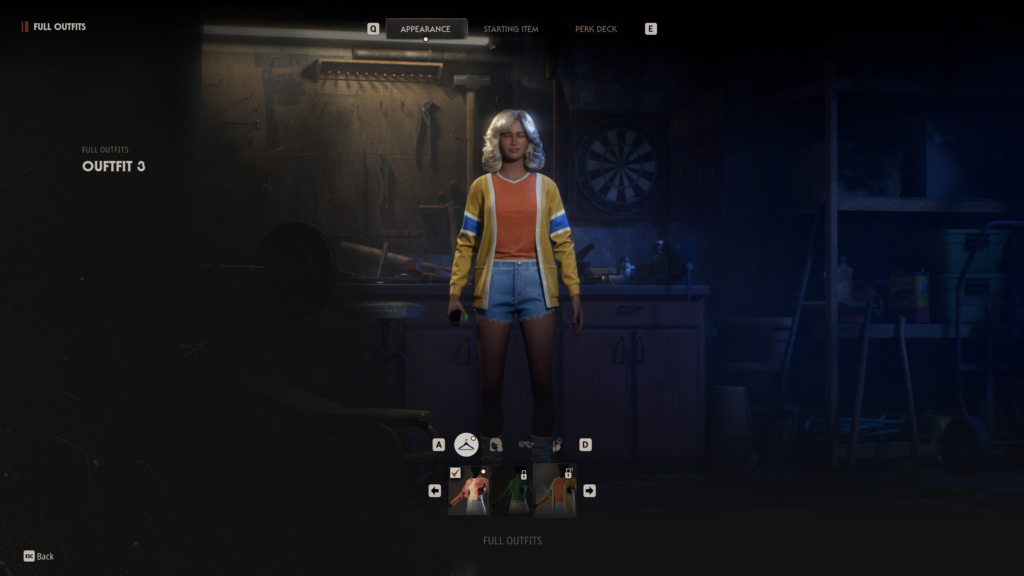
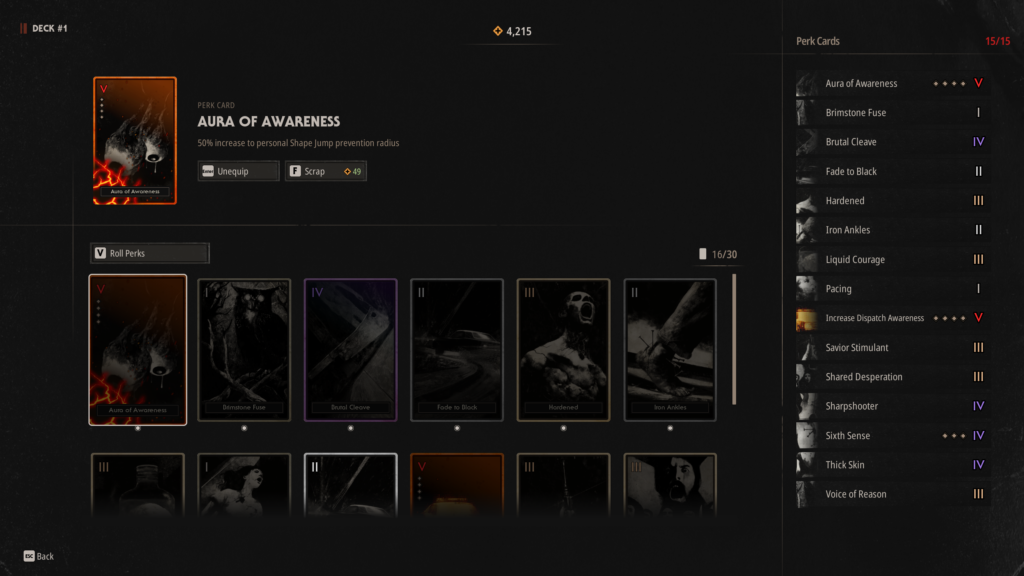
The real meat of this is when players deal with a bit of RNG to also customize their loadouts. Players can choose to pull cards from a deck in order to attach bonuses to their characters. This means that while you may be looking for certain perks, there’s no guarantee you’ll get them right away. You will, however, be able to scrap and upgrade the cards that you do pull for your play style. You can also hold up to 30 cards in a deck but only run 15 perk cards at once. This means making choices on what cards you’ll use and what combination works best for you. You can upgrade each card to tier five but that does cost perk points. You may find yourself running low if you want to have multiple decks with high-ranked cards.
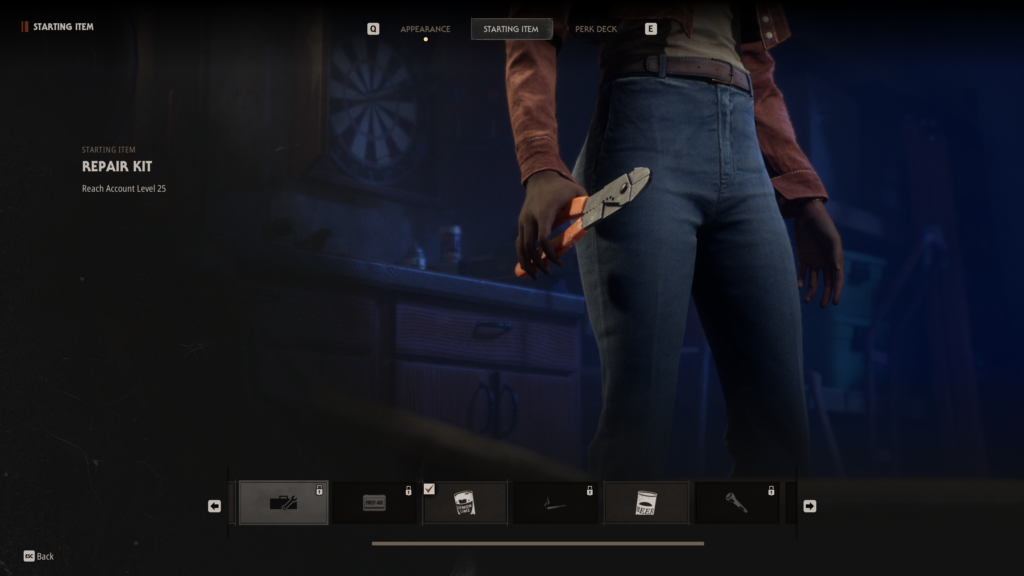
You can also choose your starting item if you want your character to begin the match with something. You may choose a starting item based on the deck that you plan on running in with or if you’re playing with friends, based on what they bring in. However, the difficult thing for new players may be that it’s unclear what any of these items would do. This is an area that I think could use a bit of improvement. While starting items are locked behind the account level, it would be nice if the item stated what it is used for in case players don’t come across this during their first few games.
Jennifer is busy running for her life, what would she need a repair kit for? Well, in this case it’s to repair a broken car, that will also need gas and a set of keys, to drive away and escape with her life. However, this isn’t indicated in the starting item screen when building your loadout. The same could be said for the joint. I am running away from Michael, why would I get high and potentially end up couch locked? Well, because that’s not how the joint works in the game. So it can feel slightly counterintuitive to players and even if it is still locked behind account level, would be nice to see in the description when players are making their choices.
Bugs/Issues/Concerns
I previously mentioned the push to talk keybinding issue on PC but there were a few other bugs that occasionally appeared. During one multiplayer match, my character became stuck in a loop of unlocking a lock. Even when there were no more checks or anything the animation continued and I was stuck. It was actually only when Michael entered the room and scared the character did it break out of this loop. Thankfully he came in carrying the body of someone else which meant I had time to get away.
Occasionally there were moments where the scenery wouldn’t fully load in correctly. This didn’t last long, but it was something noticeable when the scenes were playing. This happened a bit during the single player campaign and very rarely during the multiplayer. Just worth noting that players may see this happening during their gameplay. The good news, it doesn’t lead to any sort of crashes, just a visual thing that takes longer to resolve itself.
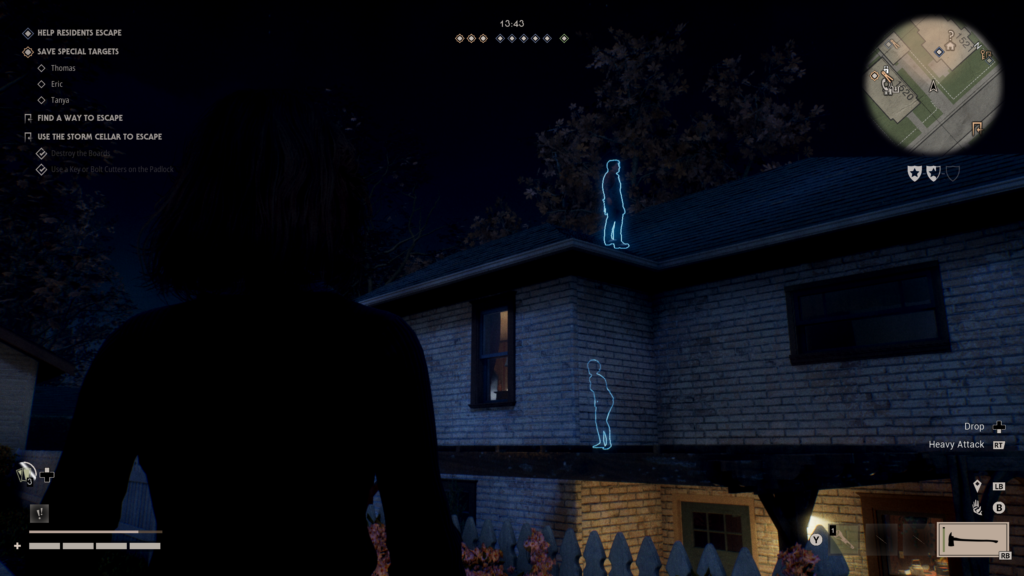
During multiplayer, characters sometimes ended up in places that they probably shouldn’t have been able to get to. While playing one match with others, our Michael ended up stuck in a portion of the map he shouldn’t have been able to access, essentially out of bounds. This gave the rest of us a solid 10 minutes of trying to get the residents out but clearly was an issue with gameplay. Some of the NPCs also had these issues which seemed quite out of place.
I’ve spoken about this a bit in the customization section, but I truly strongly believe it would be great if there was an ability to understand all the starting items in the character load out screen. After spending so much time learning Michael’s abilities, how to maneuver the map as him, and the different types of kills he’s capable of, it feels unbalanced at the start for civilians. Players are thrown in blind and perhaps that is to feel the terror they’d feel when Michael comes home. In universe they had to no idea how to escape or survive, Laurie just got a bit lucky at first. This may have been an artistic choice with development but I wish there was a little bit of assistance with the learning curve for civilians.
Final Thoughts
The single player portion of Halloween: The Game really feels like a love letter to the film that started it all. So much so that before jumping into the game, it had easily been decades since I’d seen the original. Getting to control Michael feels at times both thrilling and terrifying with how easily he stalks his prey before finishing the job. It also felt a fun level of unsettling when playing as young Michael and killing his sister. Something about a child murderer just really adds a level of concern that games can remove.
The multiplayer is fun, but yet there’s a level of something that feels slightly missing. Some matches were fantastic. Then there were others that would feel a bit lack luster. Perhaps some of this was the group I was playing with and as more players enter the game it will find ways to even itself out. It also feels that there is such a learning curve when it comes to playing as the civilians. While you have the entire single player campaign to learn how to play Michael, you dive right into civilian life in multiplayer. Having a way to balance this would allow the strength of both sides to really be shown and enjoyed.
Halloween: The Game doesn’t feel like two separate games thankfully. However it does feel like so much more time went into embodying and becoming one with Michael and not the rest of the cast. There is something really great here, but there’s just a little bit more polish to come that will really make this a killer success. As a note, when provided with a copy for review, we were made aware of a few additional fixes and features that would be available by launch day. Some of these will really bring it home and make it a fuller experience.

Halloween: The Game was reviewed in PC (Steam). A review copy was provided by Illfonic and Stride PR. Halloween: The Game releases September 8, 2026 with advance access on September 4, 2026 on PlayStation 5, Steam, Epic, and Xbox Series X|S. Be sure to check your region for console availability.