
As someone who entered the Steam ecosystem with a Steam Deck over the summer, I was stunned to find that the handheld stopped downloading games when the console was put into standby mode. A glaring omission for digital-only hardware that can have some hefty file sizes to download.
Thankfully, this issue is no more via a new firmware update in the Beta and Preview channels, that enables “all active downloads in a new display-off low-power mode, before going to sleep”.
The feature will be on by default when the hardware is connected to a power supply, or can be enabled when using battery power by going to: Settings > Power.
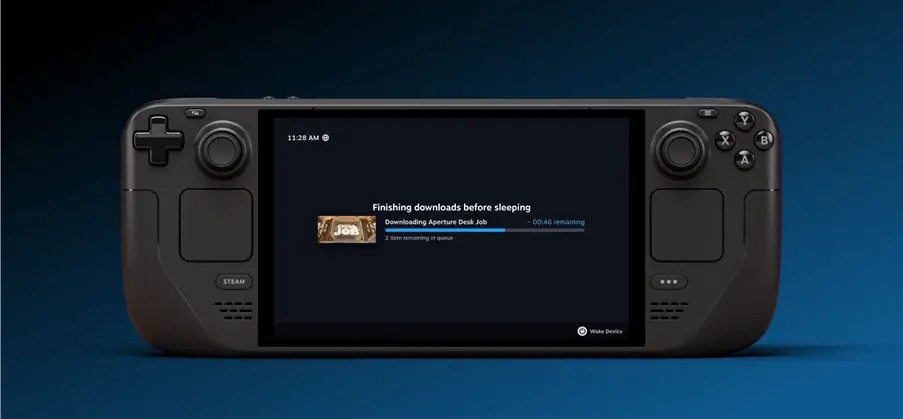
If you press the power button atop your Steam Deck to put it into standby mode, a new message will ask if you’d like the downloads to continue in the new low-power mode. If you’re interrupted whilst gaming and your Deck goes into an idle mode, the downloads will automatically continue without your permission.
If you want to quickly check on the progress of downloads whilst in low-power mode, simply press a button to see the new download progress screen (below):
This is a much needed improvement for the Steam Deck, yet one that should have arrived a long time ago. Now, what to download whilst I’m at work?
More on the firmware update can be found on the official Steam update.
Do you have a Steam Deck? If so, what’s your favourite games to take on the go? Come and meet other Steam Deck users in our friendly and active Gamer Social Club Discord.